Product configurator for entrance solutions
Design your entrance solutions. See it in your space.
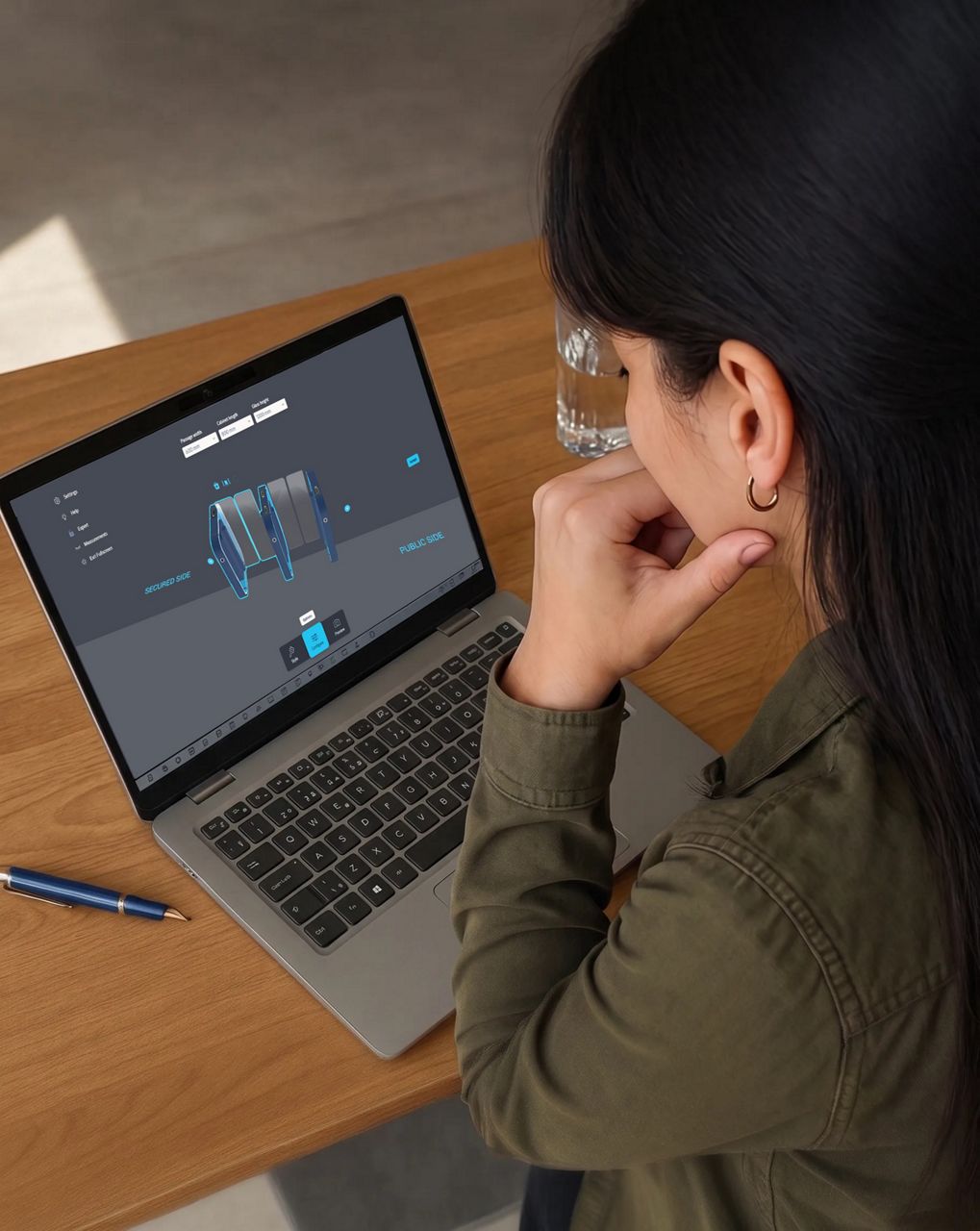
The ASSA ABLOY product configurator is a design and visualization tool that allows you to configure and preview entrance solutions in real environments using augmented reality (AR) or project images.
:8x3?wid=768&hei=288)
Product AR tool
Notice: Activate Fullscreen Mode to experience the full functionality of the AR application. To enable Fullscreen Mode, click the "Fullscreen" menu item. To exit Fullscreen Mode, click the "Exit Fullscreen" button again or press the ESC key on your keyboard.
Design with confidence
Our product configurator empowers you to:
- Design a solution tailored to your specific layout and requirements
- Visualize how it will look and function within your space
- Optimize passenger flow and placement before installation
- Customize finishes, dimensions, and configurations
- Share realistic concepts with stakeholders for faster decision-making
With our configurator, you can move from idea to validated design, ensuring your entrance solution is not only secure, but also seamless, efficient, and architecturally aligned.

See it in your space
- Live AR preview: Use your phone or tablet to place your customized solution directly into a live view of your actual building, allowing you to assess scale, positioning, and integration in real time.
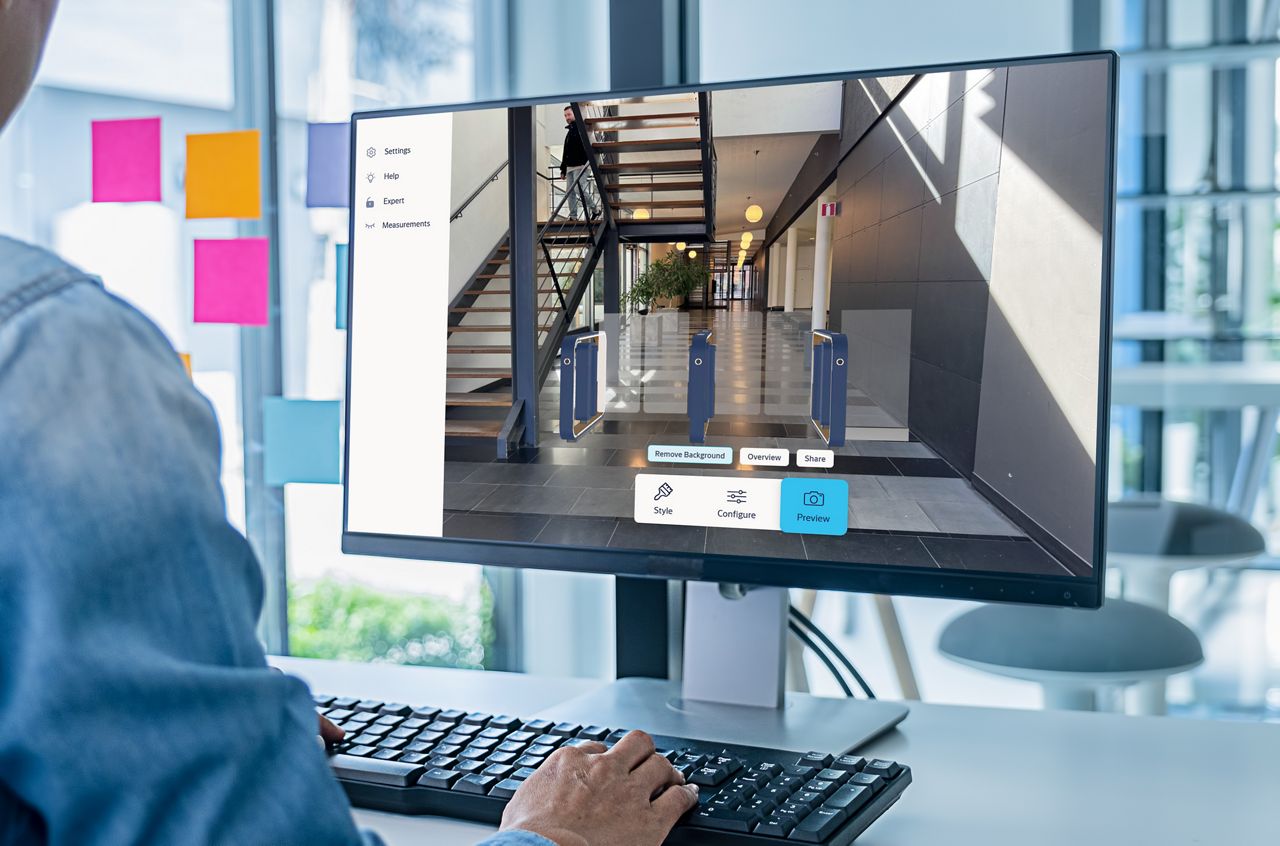
- Photo integration: Upload a project image and overlay your configured solution to evaluate fit, aesthetics, and layout. Ideal for sharing realistic concepts with clients and stakeholders.*
*Note: By uploading an image, you confirm that you own the rights to the content or have permission to use it, and that it does not violate any applicable laws or third-party rights.

Effortless sharing
Move projects forward faster by sharing configured speedgates with colleagues, customers and stakeholders.
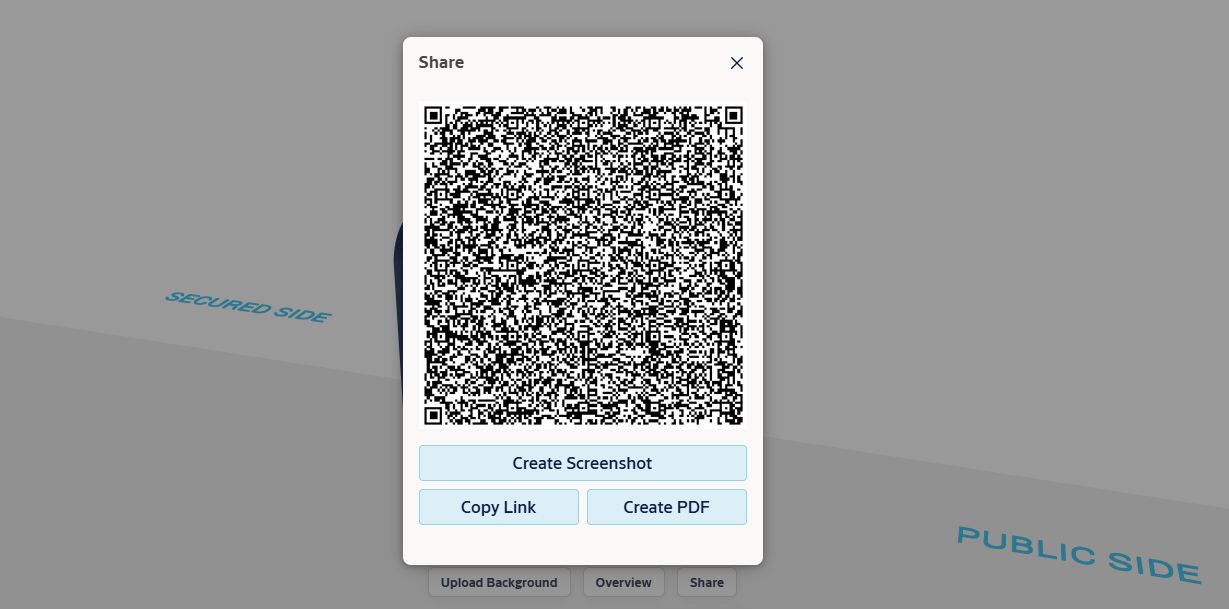
- Share configurations instantly: Generate a QR code, create a PDF summary, or easily copy link of your configuration. Recipients can open the exact configuration directly from the shared link without recreating it manually.
- Align stakeholders quickly: Present clear, consistent configurations to ensure everyone, from architects to decision-makers, has a shared understanding of the proposed solution.
- Streamline decision-making: Reduce back-and-forth by providing ready-to-use materials that support faster feedback and approvals.
Please note that the browser URL cannot be used for sharing a configuration. To ensure the complete configuration is transferred, always use the link generated via the Share button.